
Basic data visualization#
There are 3 basic steps required to visualize your data:
Initialize a Maps-object with
m = Maps()Set the data and its specifications via
m.set_dataCall
m.plot_map()to generate the map!
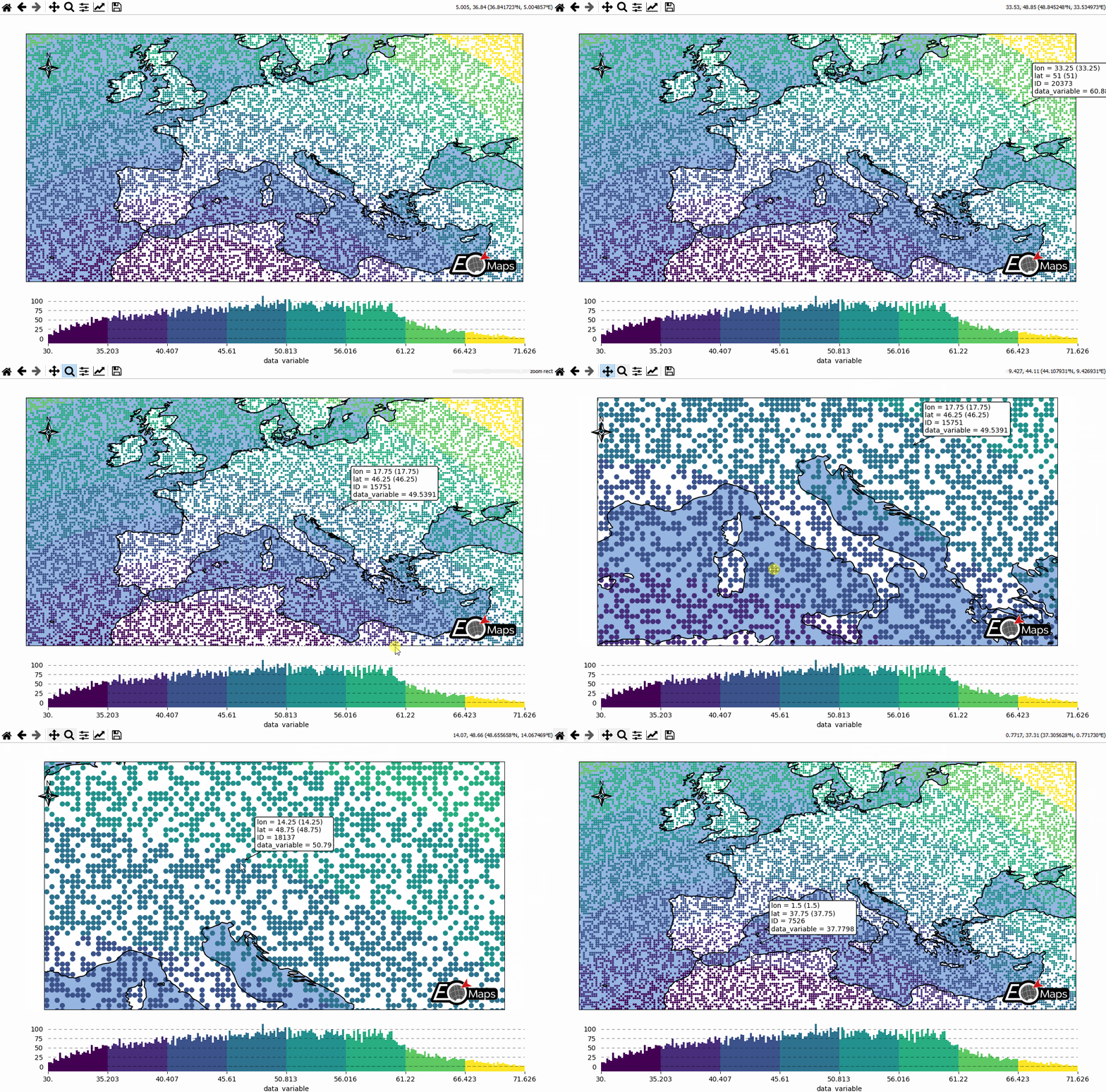
# EOmaps: A simple map

from eomaps import Maps
import pandas as pd
import numpy as np

# ----------- create some example-data
lon, lat = np.meshgrid(np.arange(-20, 40, 0.25), np.arange(30, 60, 0.25))
data = pd.DataFrame(
    dict(lon=lon.flat, lat=lat.flat, data_variable=np.sqrt(lon**2 + lat**2).flat)
)
data = data.sample(15000)  # take 15000 random datapoints from the dataset
# ------------------------------------

m = Maps(crs=4326)
m.add_title("Click on the map to pick datapoints!")
m.add_feature.preset.ocean()
m.add_feature.preset.coastline()
m.set_data(
    data=data,  # a pandas-DataFrame holding the data & coordinates
    parameter="data_variable",  # the DataFrame-column you want to plot
    x="lon",  # the name of the DataFrame-column representing the x-coordinates
    y="lat",  # the name of the DataFrame-column representing the y-coordinates
    crs=4326,  # the coordinate-system of the x- and y- coordinates
)
m.plot_map()
m.add_colorbar(label="A dataset")

c = m.add_compass((0.05, 0.86), scale=7, patch=None)

m.cb.pick.attach.annotate()  # attach a pick-annotation (on left-click)
m.add_logo()  # add a logo
m.show()